Just Get Two or How I Learned Programming on a Throwaway Computer
The craze of buying Mac Mini’s to run OpenClaw is waning, but it reminded me of a simple solution that the modern software industry often seems to miss. Using a separate device is a comparatively cheap solution to security & reliability problems. And, a throwaway, destructible environment is key to growth of new capabilities.
In fact, this is how I learned programming and systems administration-y stuff in the first place. I go into some of that story below. Or, you can skip to the end, where discuss some key insights here to two pressing crises in software: securing agentic systems and supply chain security.
Origins§
In 2013, I started my first job at the American German Institute in Washington, DC. 1 At the institute, I handled the website, blog, email newsletter, YouTube channel, printer maintenance, and general frontline tech support.2
And, I caught the bug for programming right away. It started with building small tools to learn HTML so that I could increase my confidence when editing the newsletter.3
Initially, I built standalone HTML and JS pages. For example, I made a pretty page with the institute’s logo and two columns of app icon-style buttons. Something like this:
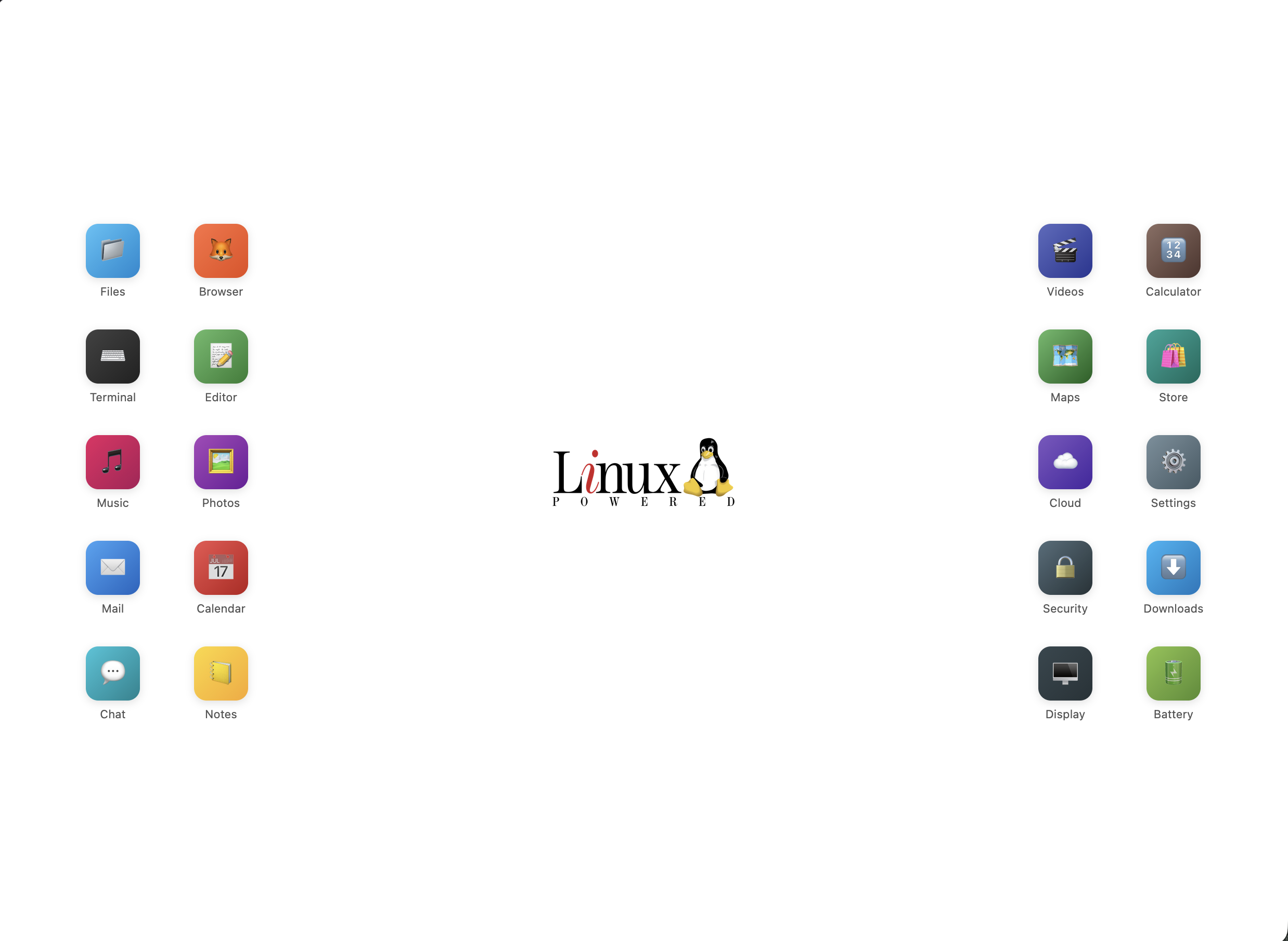
When you clicked an “app”, it would either open the appropriate login page for the service, or it would open another page explaining how to do something. And, I used a Windows Group Policy to make it the default homepage for new browser tabs on everyone’s computer in the office.
This was amazing because it saved me a lot of time answering questions from visiting scholars like how to print things billed to their fellowship’s cost center or how to login to Johns Hopkins University library resources like JSTOR.
But, I hit a brick wall in my progress soon after this initial victory. As I started learning true programming languages like PHP and Python, I quickly learned hosting static HTML was a lot easier than a dynamic program.
In hindsight, a viable path would have been to host PHP scripts on our shared host. But with only a few months of “programming” experience, I didn’t know enough to know that was even possible. And even if I did, I would have been too afraid of screwing something up to log in and touch files in our shared host.
But based on previous experience, where a computer science student in my dorm helped me4 dual boot Ubuntu on my Macbook, I knew Linux was the way to do things that were hard on “normal” computers.
So, I set out to learn Linux for real.
Learning Linux§
Having tried and failed to install Linux just 6 months earlier, I knew I needed another way, a way that didn’t risk my only working computer.
I started looking online. And, I quickly found a deal: $50 for a Dell OptiPlex GX620 that served out it’s sentence of 6 long years in some corporate office and was ready to live out it’s retirement roaming free range on the net.

So, I messaged the person on Craigslist and arranged a meeting way out at the end of the DC metro in Rockville, MD.
It definitely felt like he was selling office equipment that he was supposed to be throwing away. He had a ton of them in the back of his minivan; handing me a random one from the pile, he asked me if I wanted to test it.
And I just looked around, as if I might not have noticed that there was a monitor, keyboard, and portable generator lying around in the train station parking structure at 10pm at night. So, I shrugged, said no, gave him the $50, and walked off.
Luckily, it did work! And I mean really luckily, because $50 was actually a non-trivial expense for me at the time.
Then every day for the next 3 months, I’d come home from work, install Ubuntu off of a bootable USB, and try to use the terminal until I broke something in a way I couldn’t figure out how to recover from. It became like a ritual. I was determined to learn this. It was like a time loop.
For weeks and weeks, I’d apt-get install apache and throw myself against the
rocks of making random tweaks to the config file until it actually ran and did
something useful. I spent even more weeks figuring out file permissions and even
more time fighting with the PHP white screen of death from syntax errors, logic
bugs, and misused APIs.
But over time, I did learn how to keep the “server” running and stable. I wrote
actually functional programs and hosted them at home. I switched to NGINX,
learned vim was faster for me than nano, and got familiar with all the
Linux basics like processes, users, groups, initscripts, ports, connections, and
so on.
Implications§

The core of this journey was the disposable computer, a safe environment for experimentation. Once I figured out how to install the OS fresh to get myself back to a usable state, it was inevitable that I’d figure it out.
This lesson is exactly what is needed to address two major software industry trends today: securing agentic systems and supply chain security.
Although I’ve never been in this position at work, I hear that some dev teams use a separate computer for accessing production and doing software releases. Similarly, many software companies (ex. Meta, Stripe) use cloud VM’s for developer environments.
These practices exercise the same underlying principle of good security: access segmentation. You only give access to strictly what is needed.
The problem has always been the usability tradeoff with this approach. Getting the quick bootable VM devbox experience just right is very very challenging. And, I see this same dynamic playing out in the agentic world.5
You have to have just the right dev tools installed. The VM needs to be bootable quickly. Your app’s developer experience needs to be super dialed in for the agent to be able to start on a fresh checkout, install dependencies, start services, and run linters & tests to make usable progress. The networking needs to work so that you can reach services running there from your browser.
And the reality is the most existing software is not dialed in enough for this.
Most machine learning projects don’t even have functional requirements.txt or
pyproject.toml. And even in domains with better engineering best practices,
the setup instructions for most services leave a lot to be desired for humans,
let alone AI agents.
But given the potential of AI agents and the risk of increasing supply chain exploits, I think there’s a huge, industry changing position on the table for whoever figures out what the future of ergonomic, but isolated environments is.
And, that brings us back to OpenClaw people. Instead of raw dogging their
computers with --yolo mode and --dangerously-skip-permissions while their
entire life sits innocently there in ~/.config, and ~/.ssh, and
~/Library/Application Support waiting to get gobbled up and sent off to get
exploited, they at least know enough to know that this “thing” deserves it’s
own environment.
Their main mistake was passing too many secrets into that environment, instead of building adapters outside of the environment to do privileged things.
And, that’s the future I see: a fancy box for the AI and our developer environments to live inside. Proxies & integrations at the edges that inject secrets and do priviledged things from the outside, so AI never sees the secrets and we can apply all kinds of policy limits.
Because there are unknown unknowns out there, and AI just can’t help itself but do everything. It’ll spin for hours on a trivial roadblock, then build something incredible, and then randomly download malware that uploads every credential it can find to 4chan.
Even though you said no mistakes!
- At the time, it was called the American Institute for Contemporary German Studies (AICGS).
- Occasionally, I did an extremely poor attempt at photography for AICGS conferences as well.
- Our CRM software was pretty bad and did not have any editor for page content. It just had a plain textarea and expected you to edit the HTML yourself by hand, then test email yourself to see it. So, I had to learn HTML quickly.
- And by “helped me”, I mean he did all the work while I watched and pretended to understand what he was talking about.
- I’m loving Agent Safehouse for a lightweight agent sandbox. And, I’ve been experimenting with a Firecracker-based solution for the true VM-based devbox / agent sandbox experience.